In this article, discover how to adjust the basic settings of your space, including name and language, as well as configure the auto-close time for tickets.
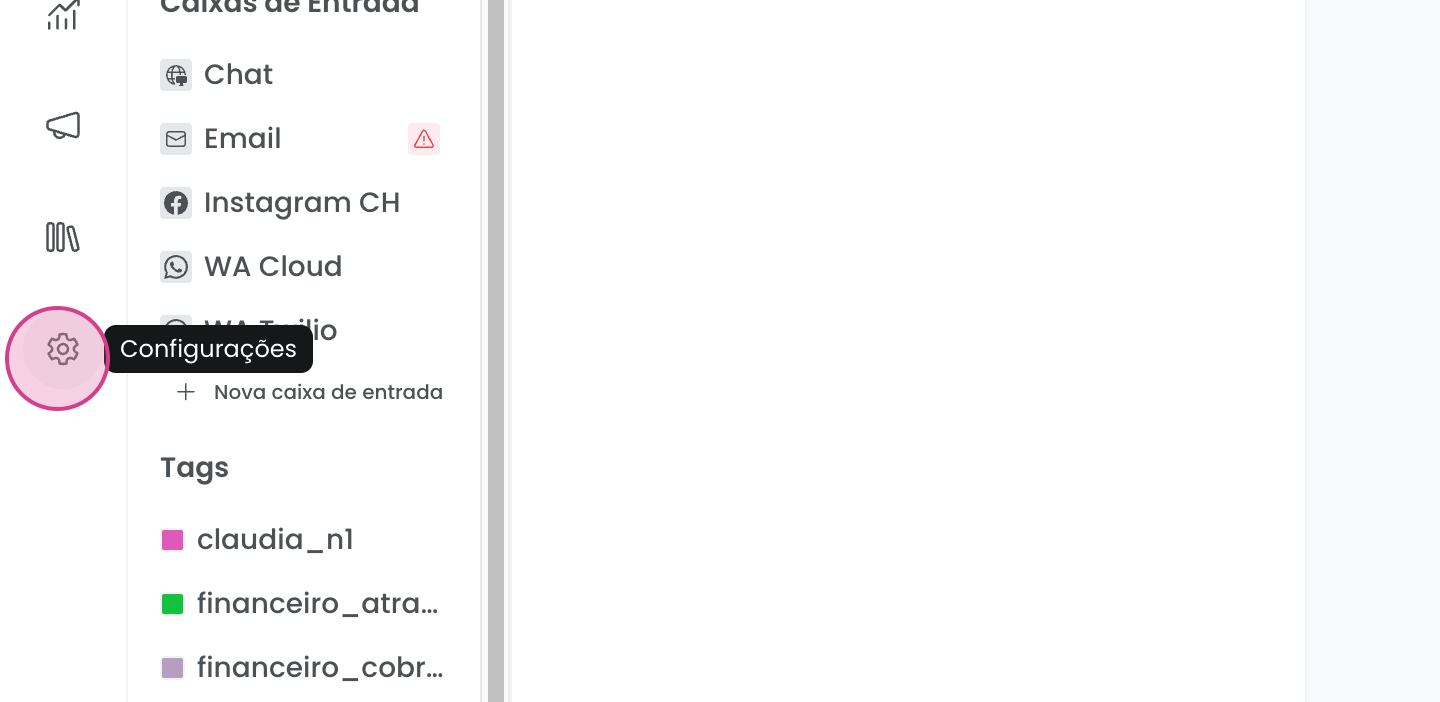
Go to your space's settings to get started.
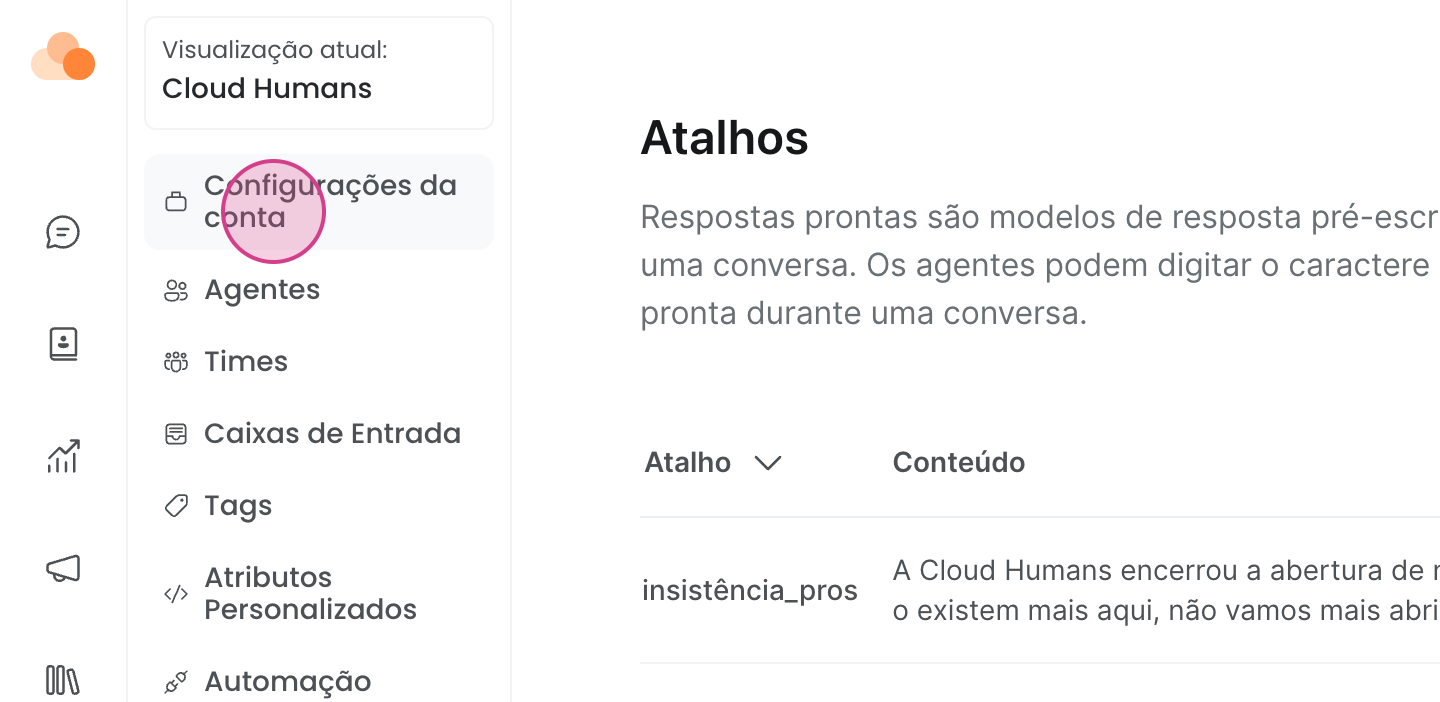
In account settings, you can change the account name and select the language to personalize your experience.
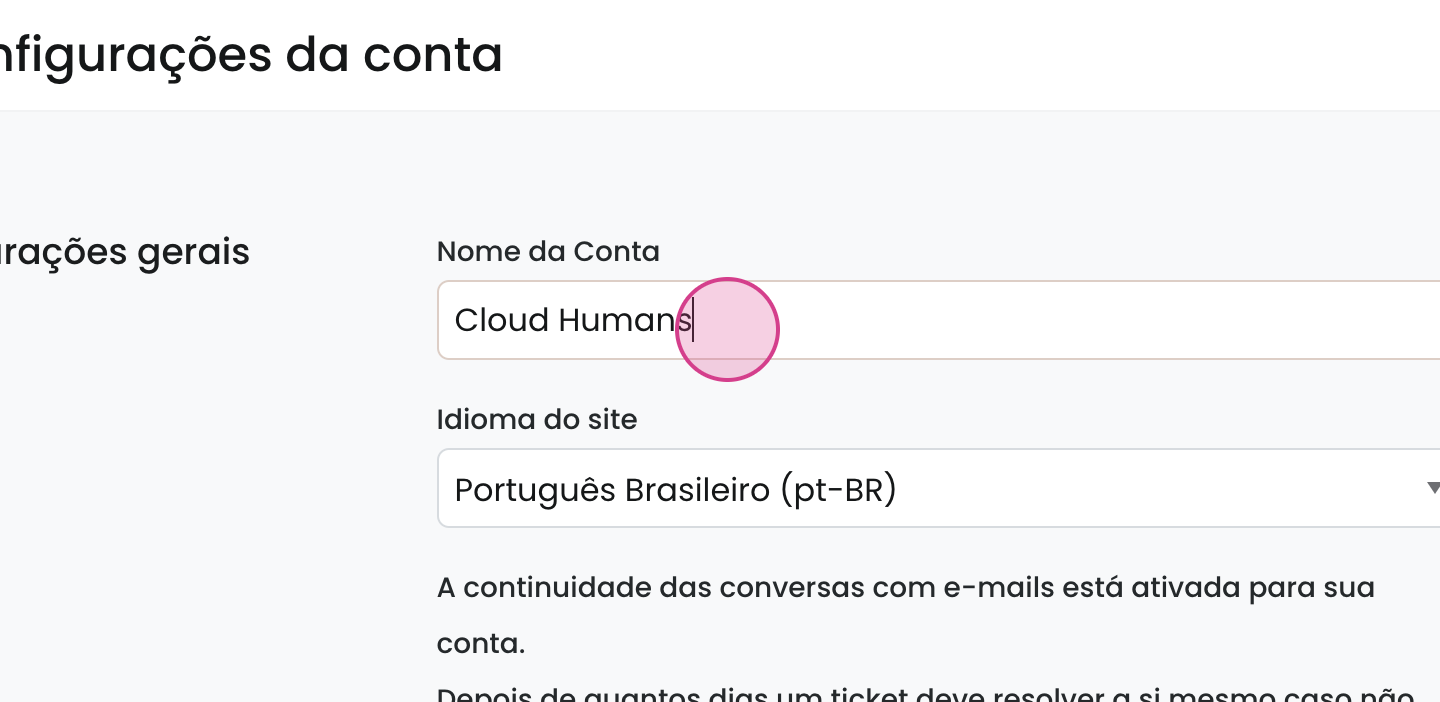
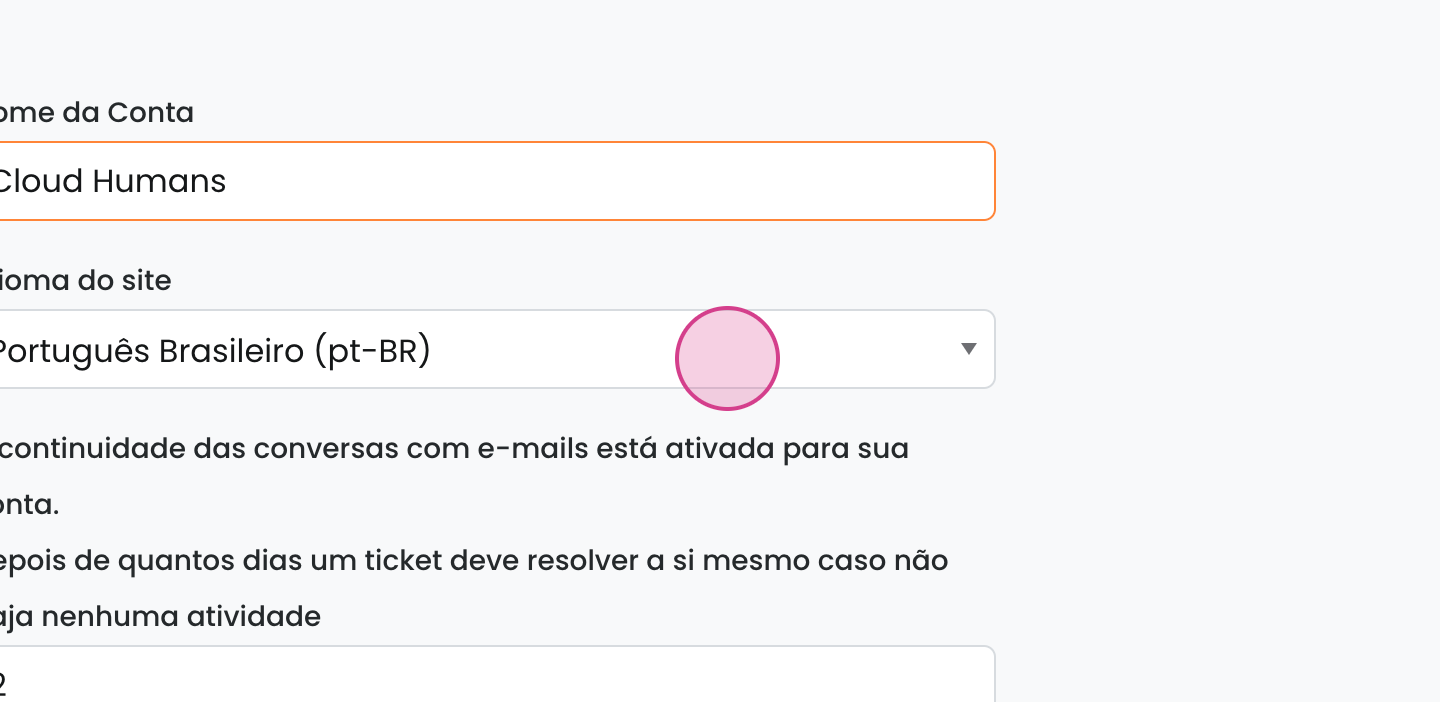
Another important feature is setting the time for automatic ticket resolution. This setting determines how long it will take from the last agent response until the ticket is automatically resolved if the customer does not respond.
👉 To learn more about how automatic resolution works and under what conditions tickets are resolved, visit the FAQ: Automatic Ticket Resolution

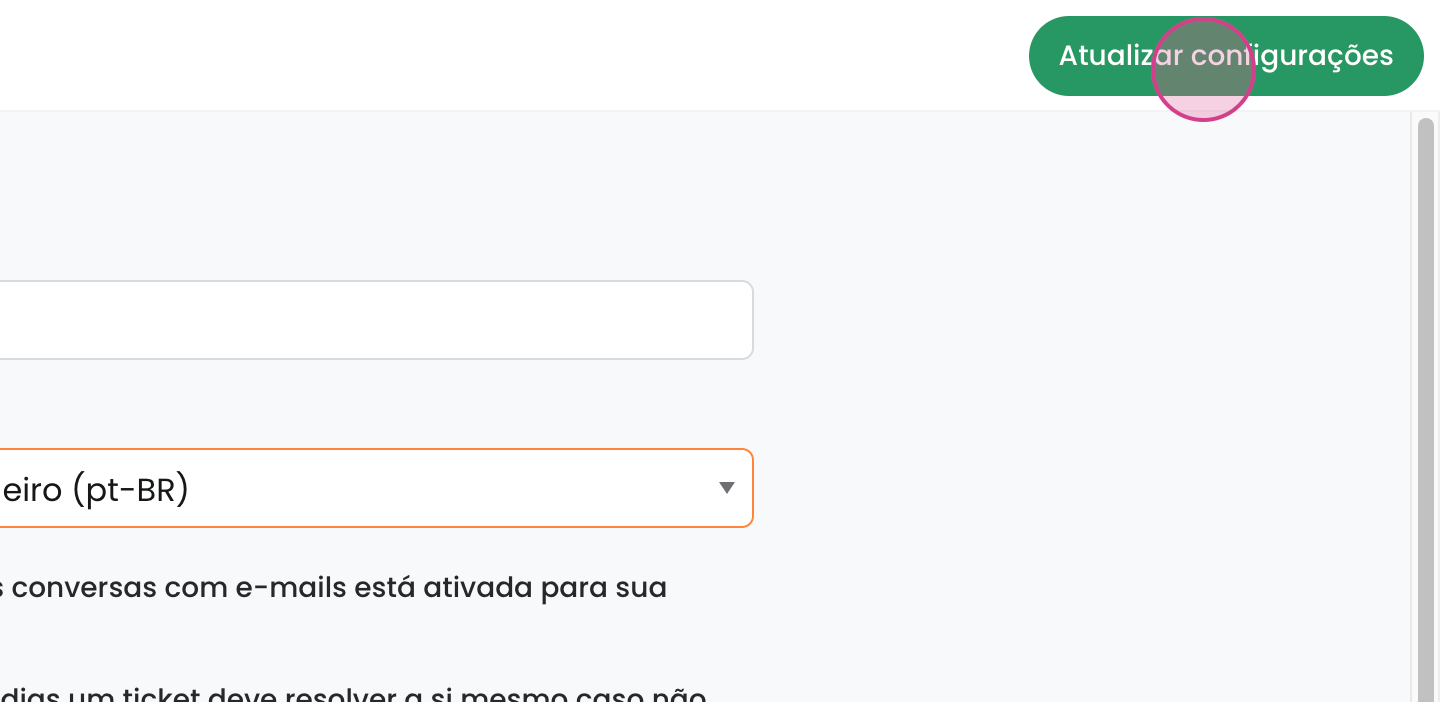
Make sure to click update after making changes to save them.