To watch the video, click here:
In this article, you’ll understand why some users or agents may not see a specific inbox and how to resolve this.
Often, users (agents or admins) cannot see a specific inbox because they are not included in it. To check this, you need to access the settings of the specific inbox.
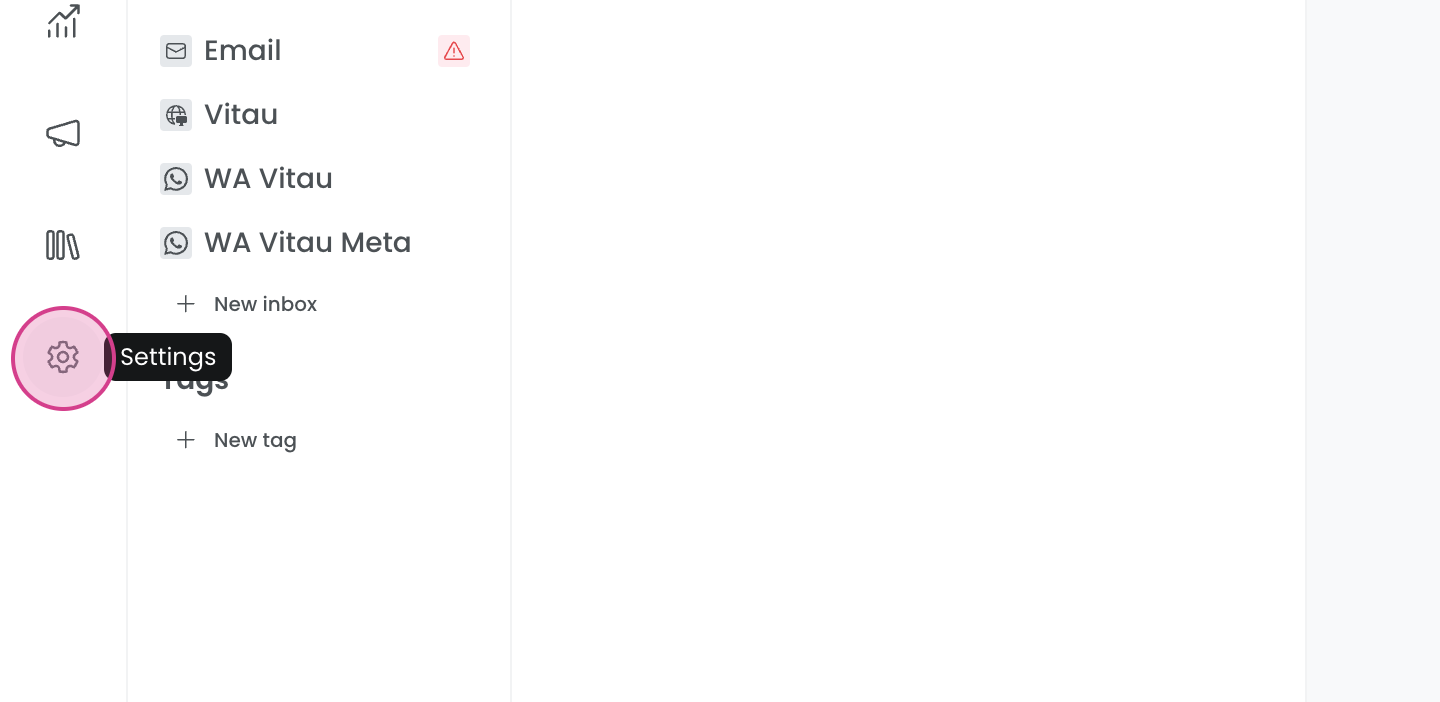
First, go to settings.
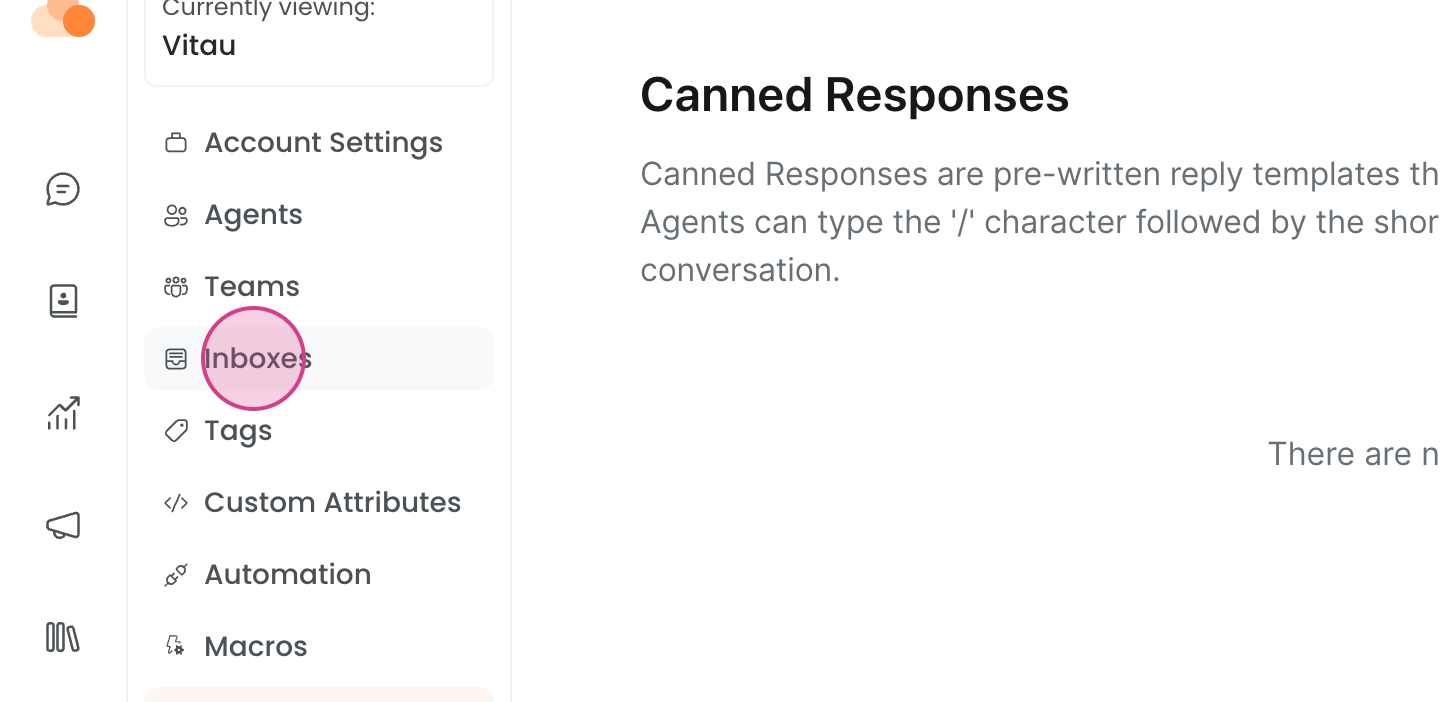
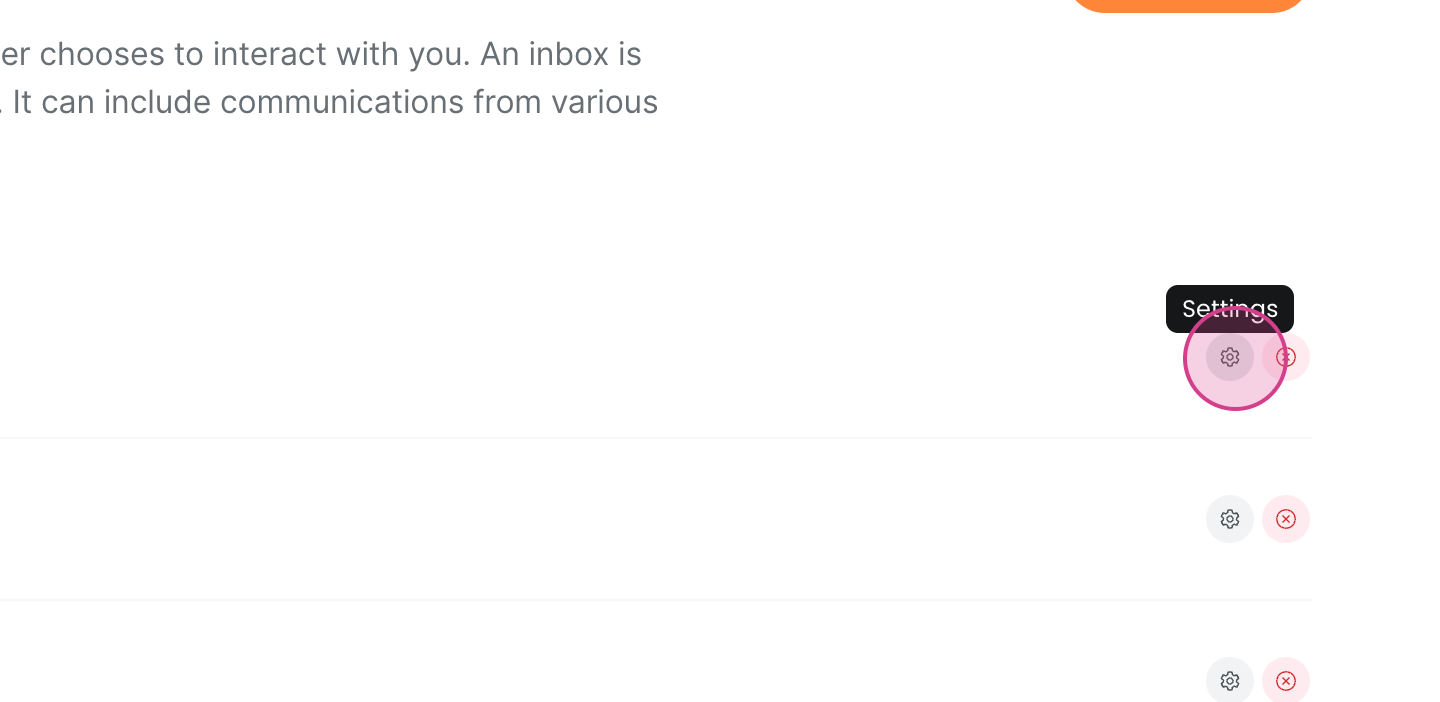
Next, select inbox and click on settings of the specific inbox you want to verify.
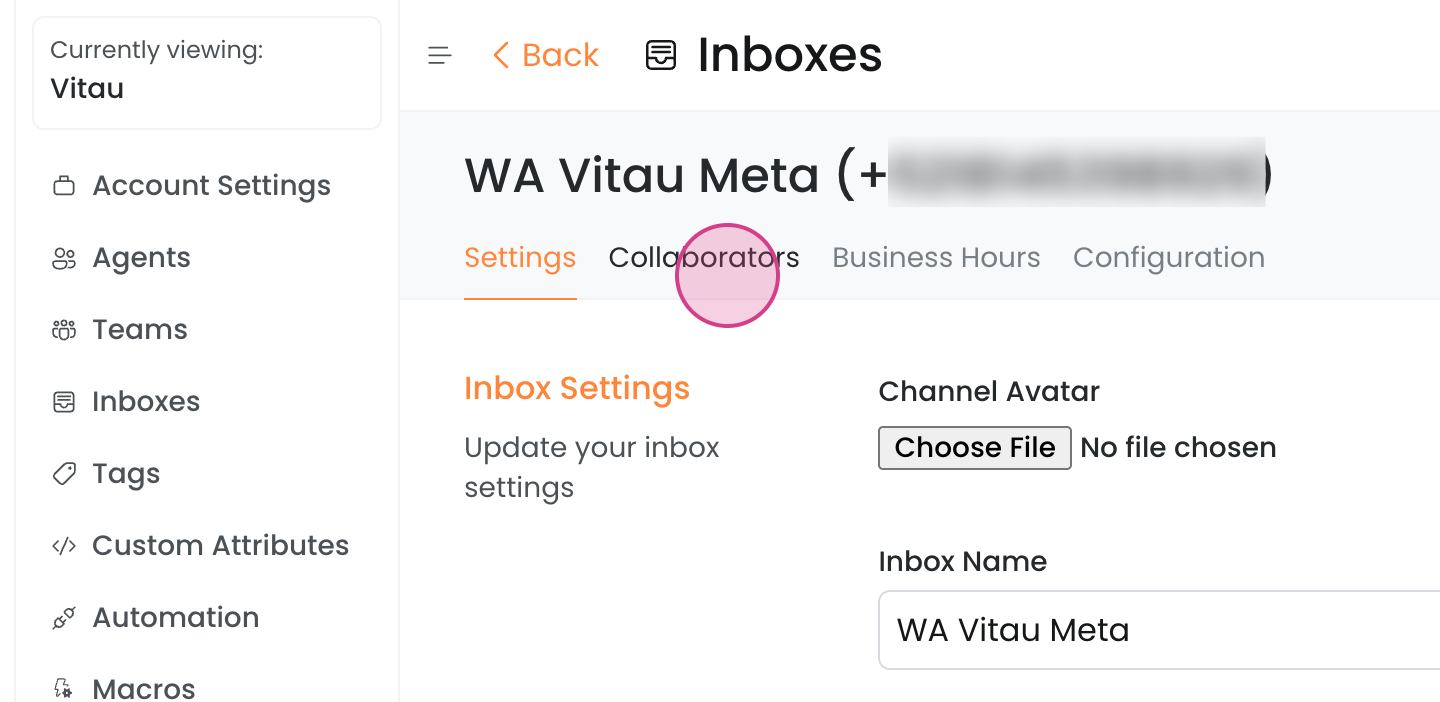
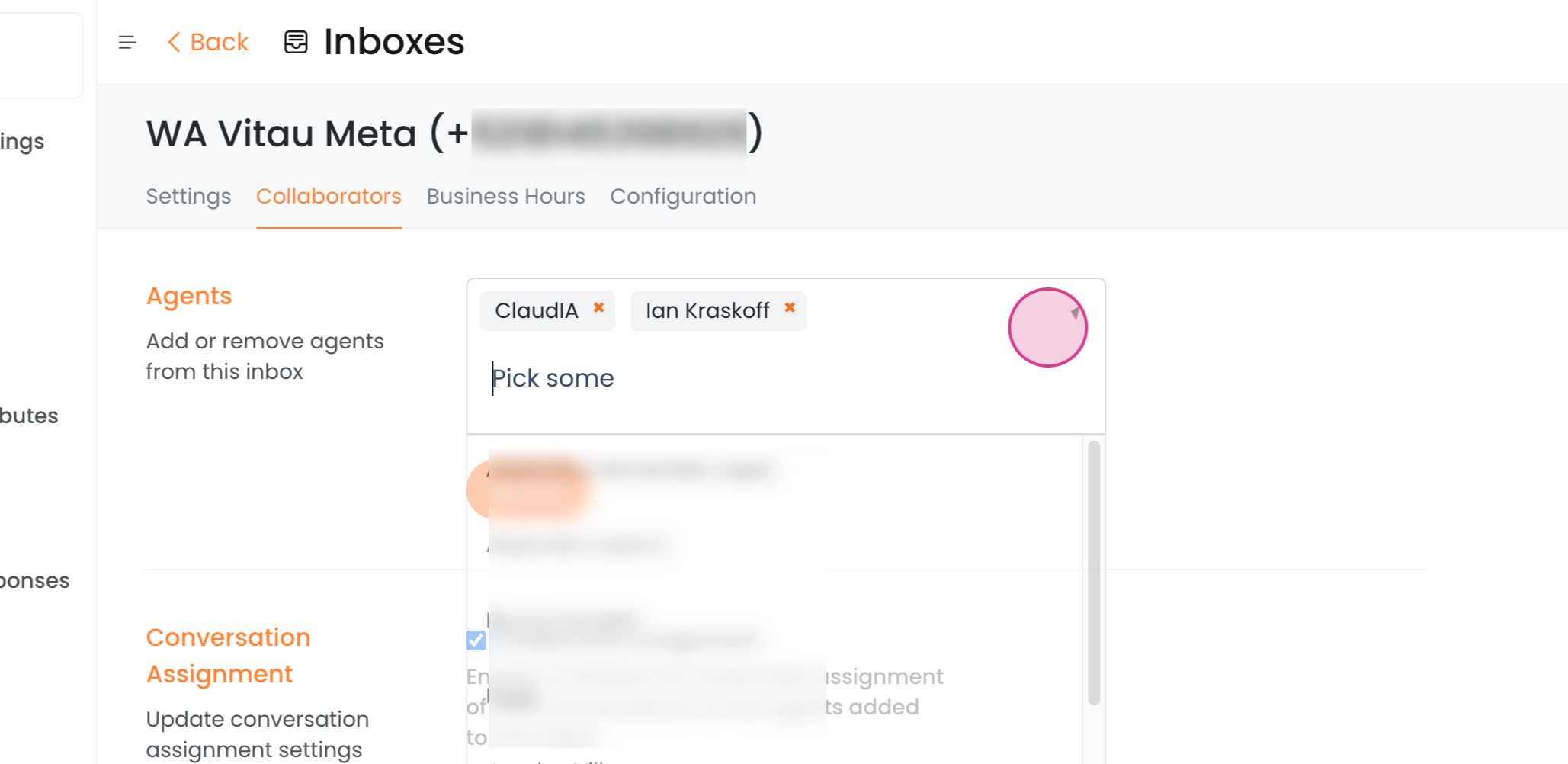
Now, check the collaborators section. Here, you'll see who is included in the inbox. Users can only see the inboxes they are included in.
To add someone to the inbox, follow the steps below.
Click on the selection field.
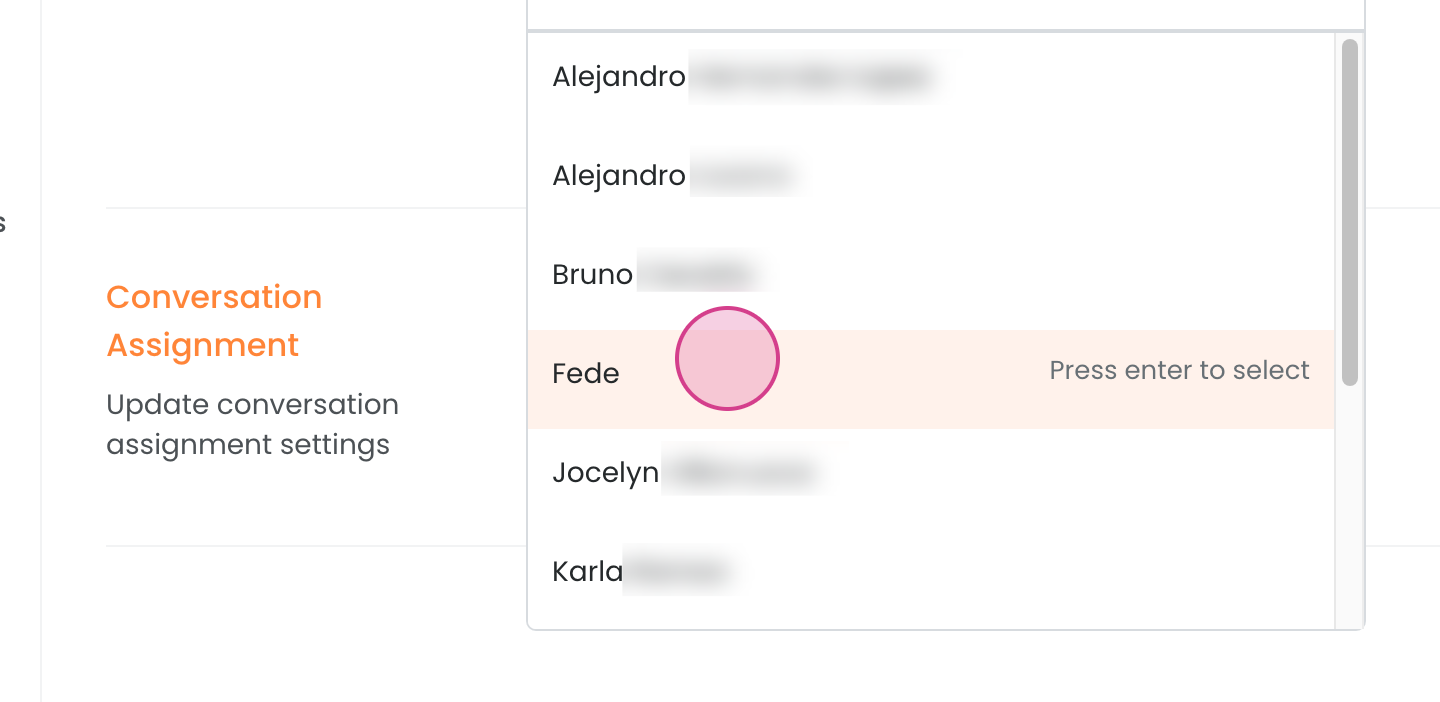
Select the person you want to add.
Finally, click update.
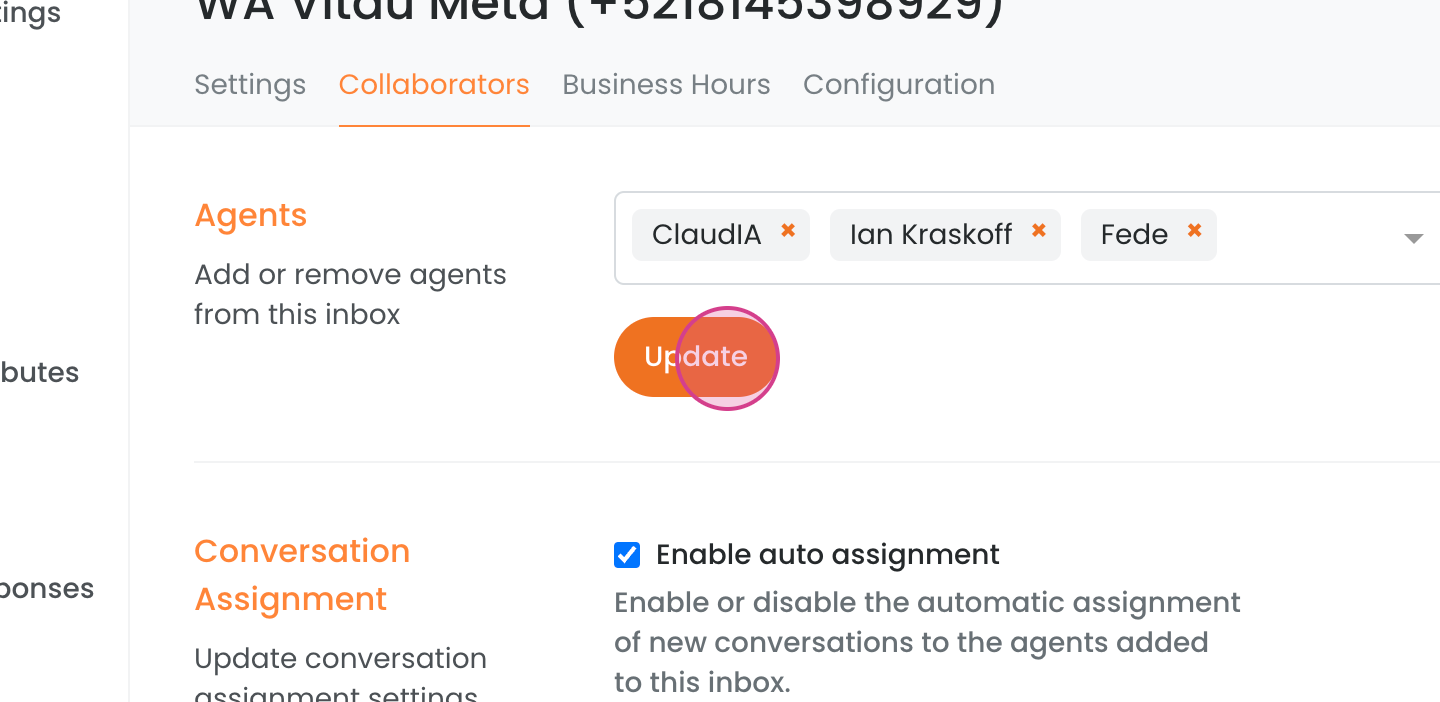
Done! The selected people have been added to the inbox.