This article provides an overview of how to add multiple FAQs to the same site, a useful feature when you have various products or clients.
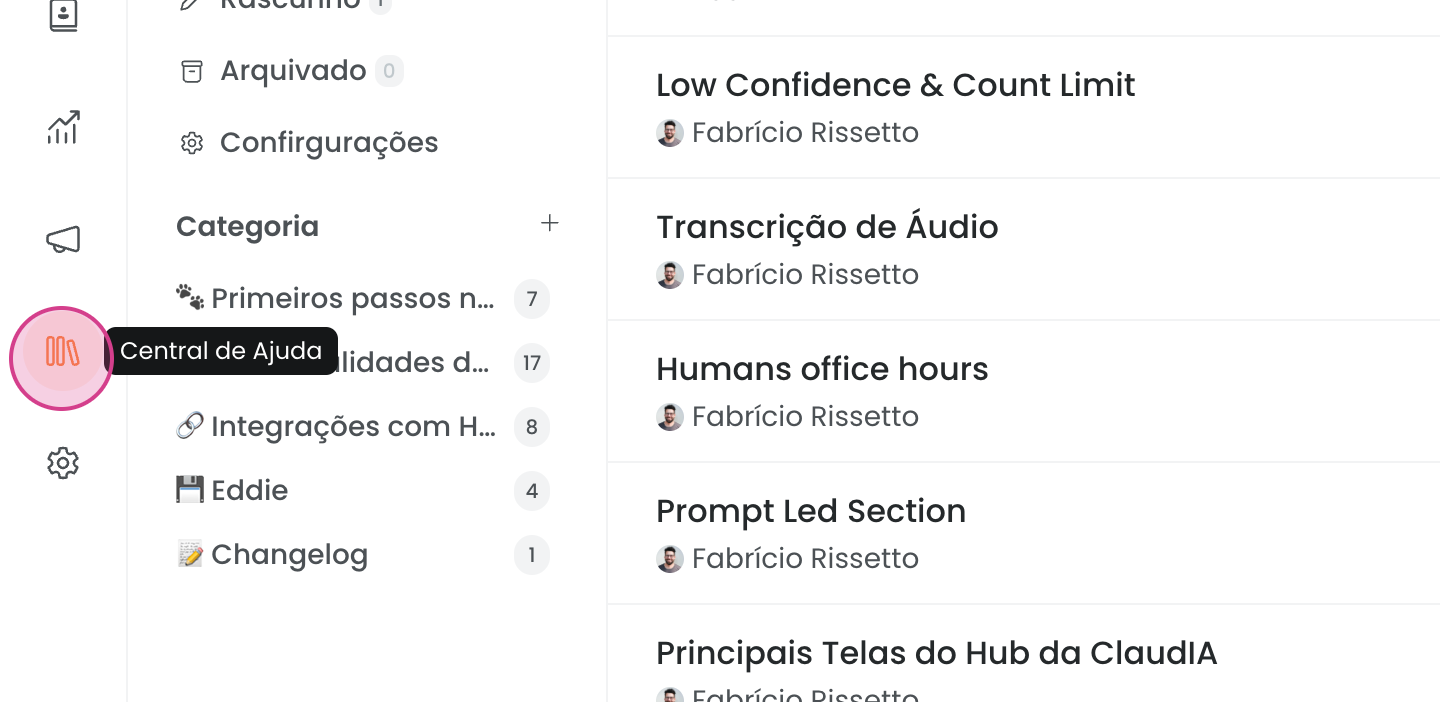
First, access the Help Center.
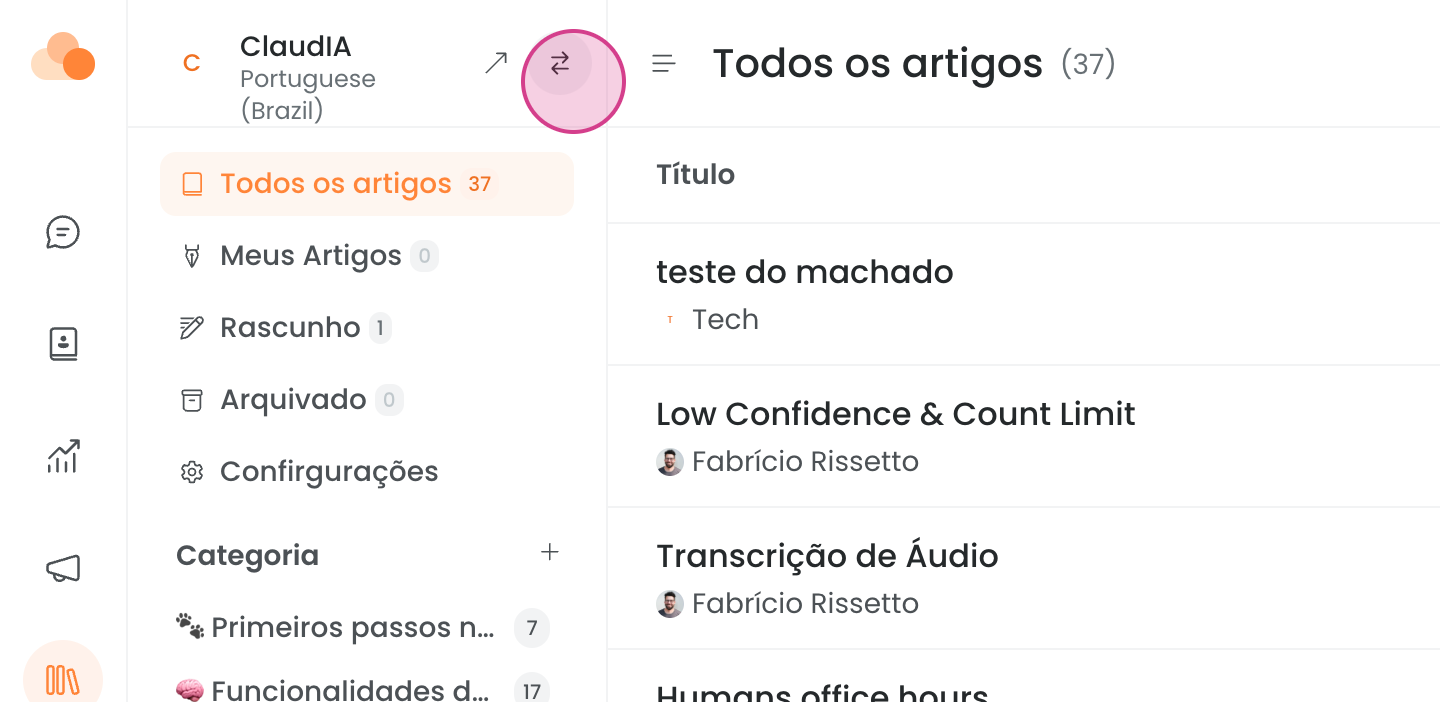
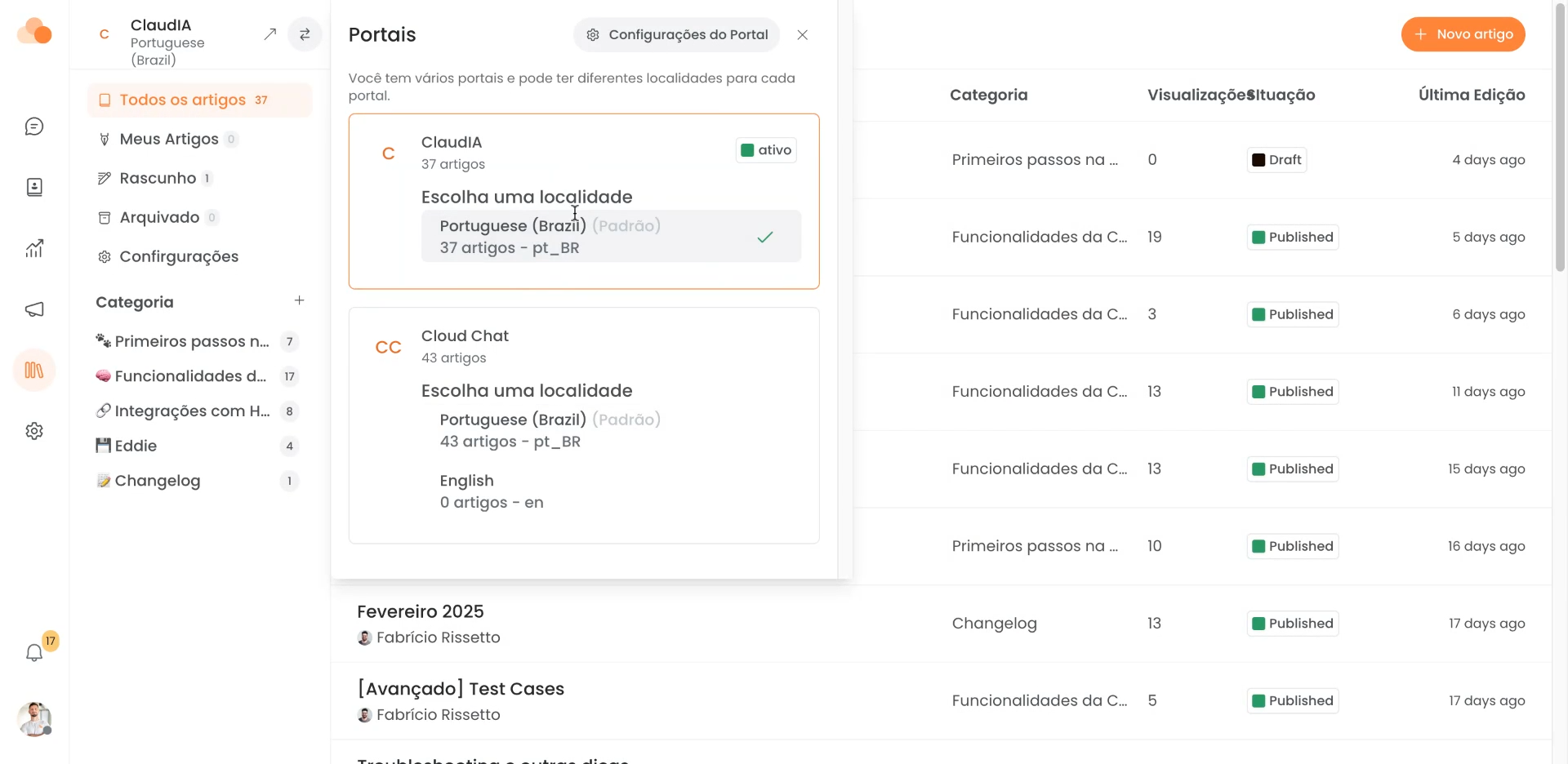
Next, look for the two arrows and click on them. In the example below, we already have two FAQs added.
Now, go to Portal Settings.
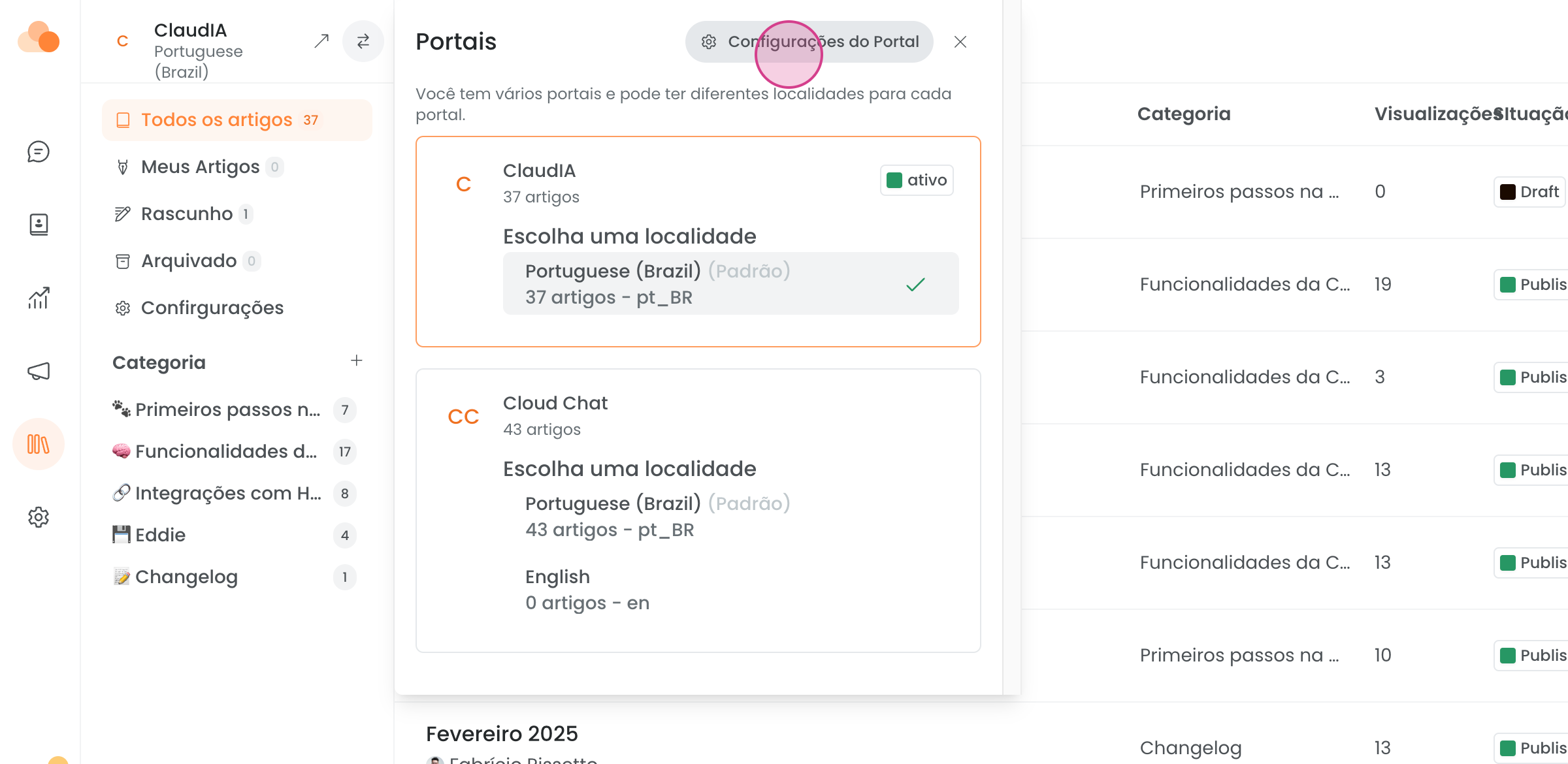
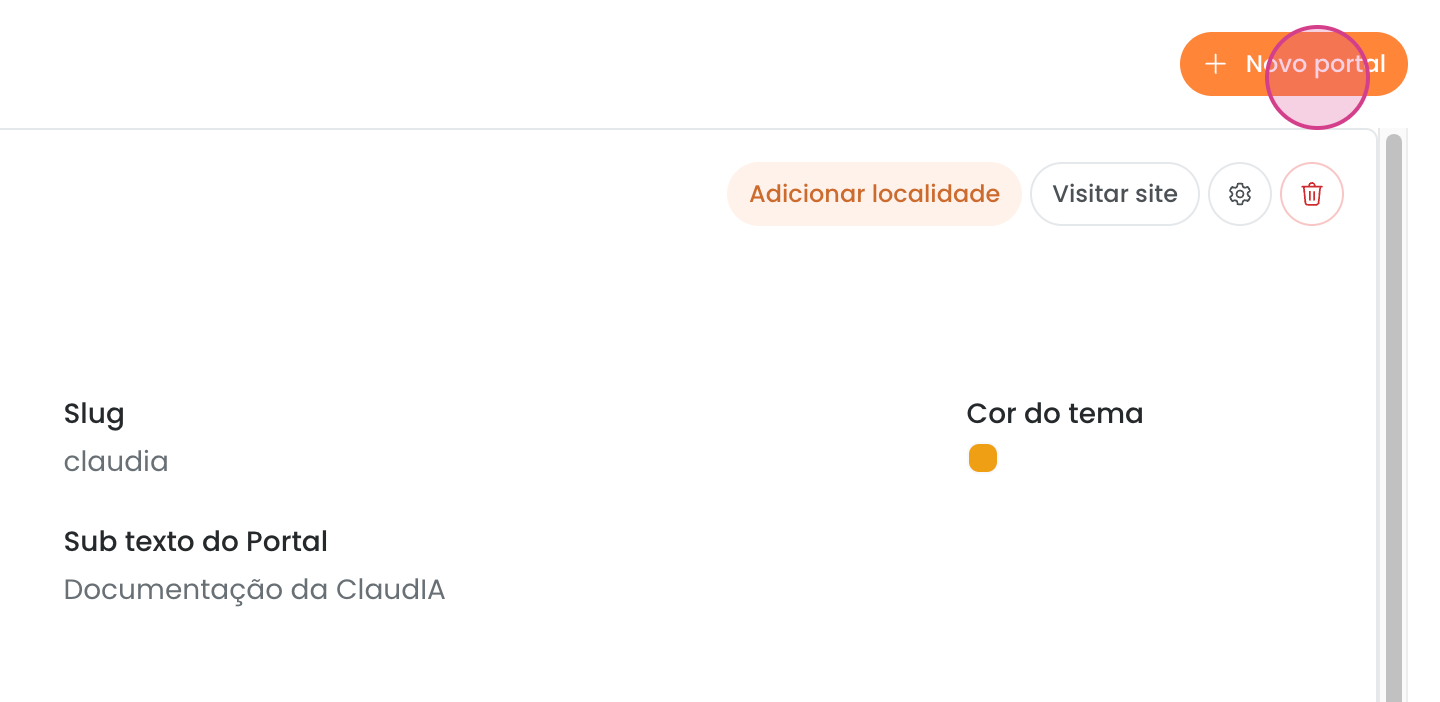
Here, you will create a new portal.
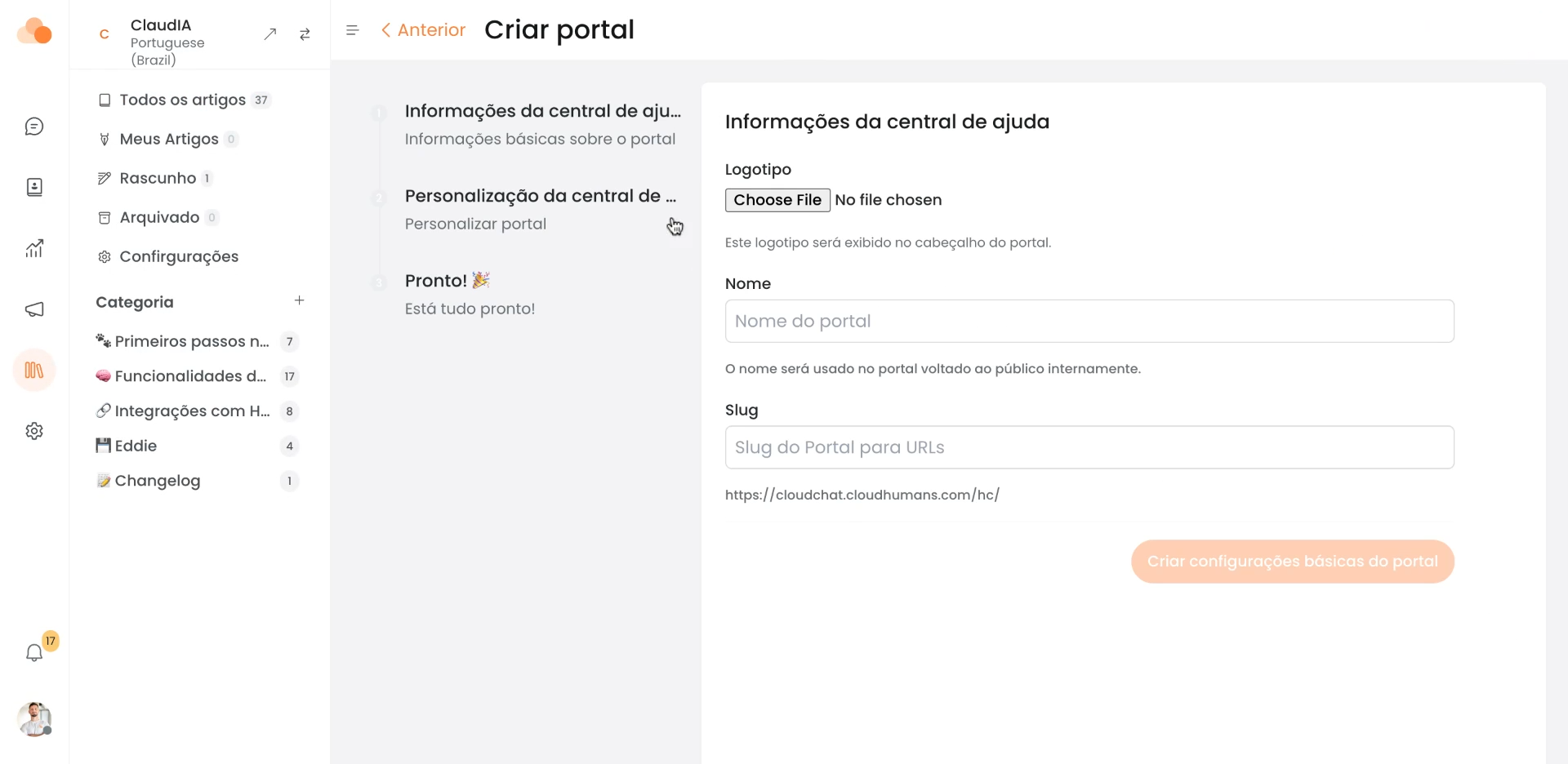
Follow the instructions on the screen to create the new portal.
See how it looks in practice.
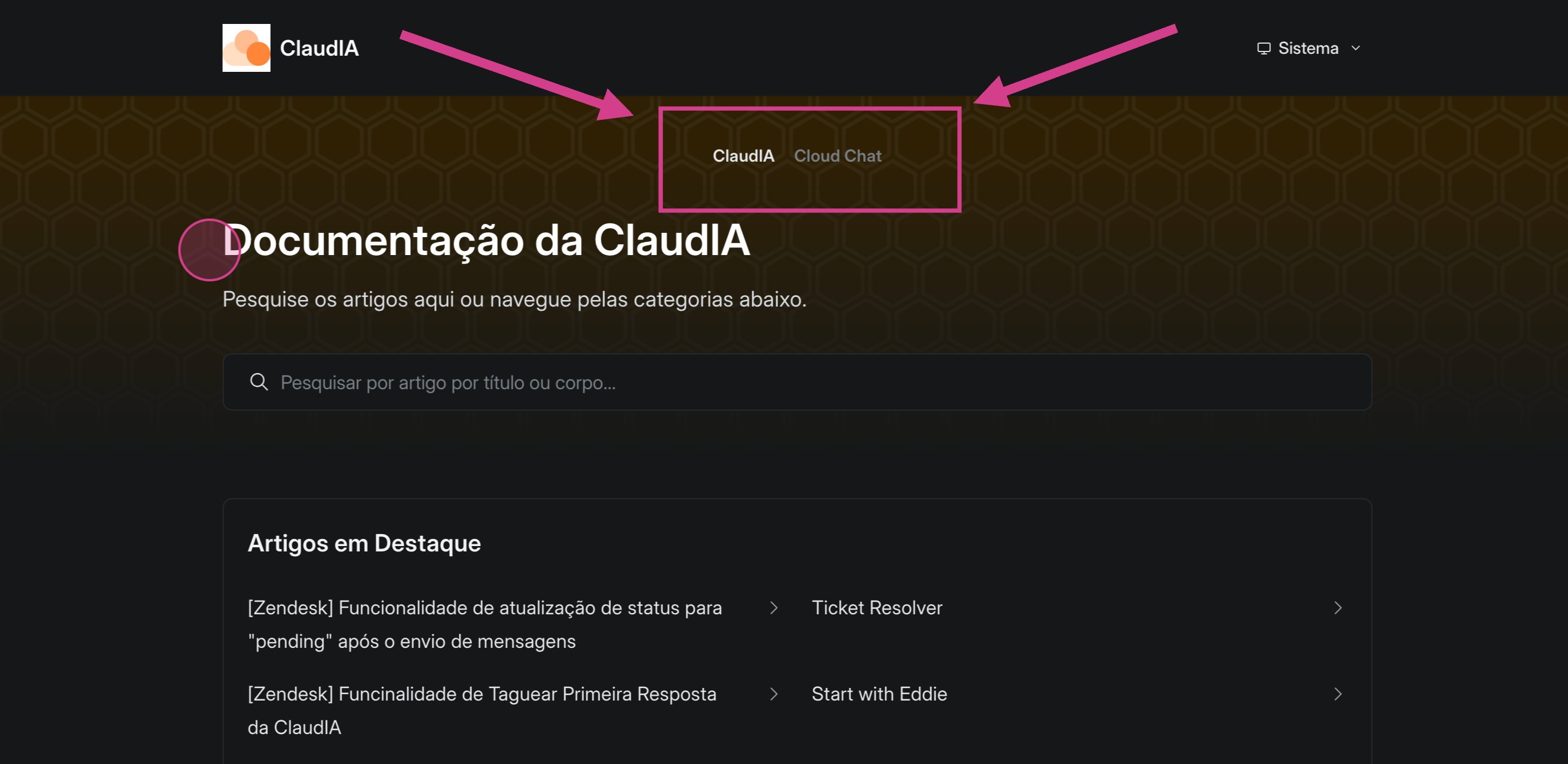
Note that we have ClaudIA documentation
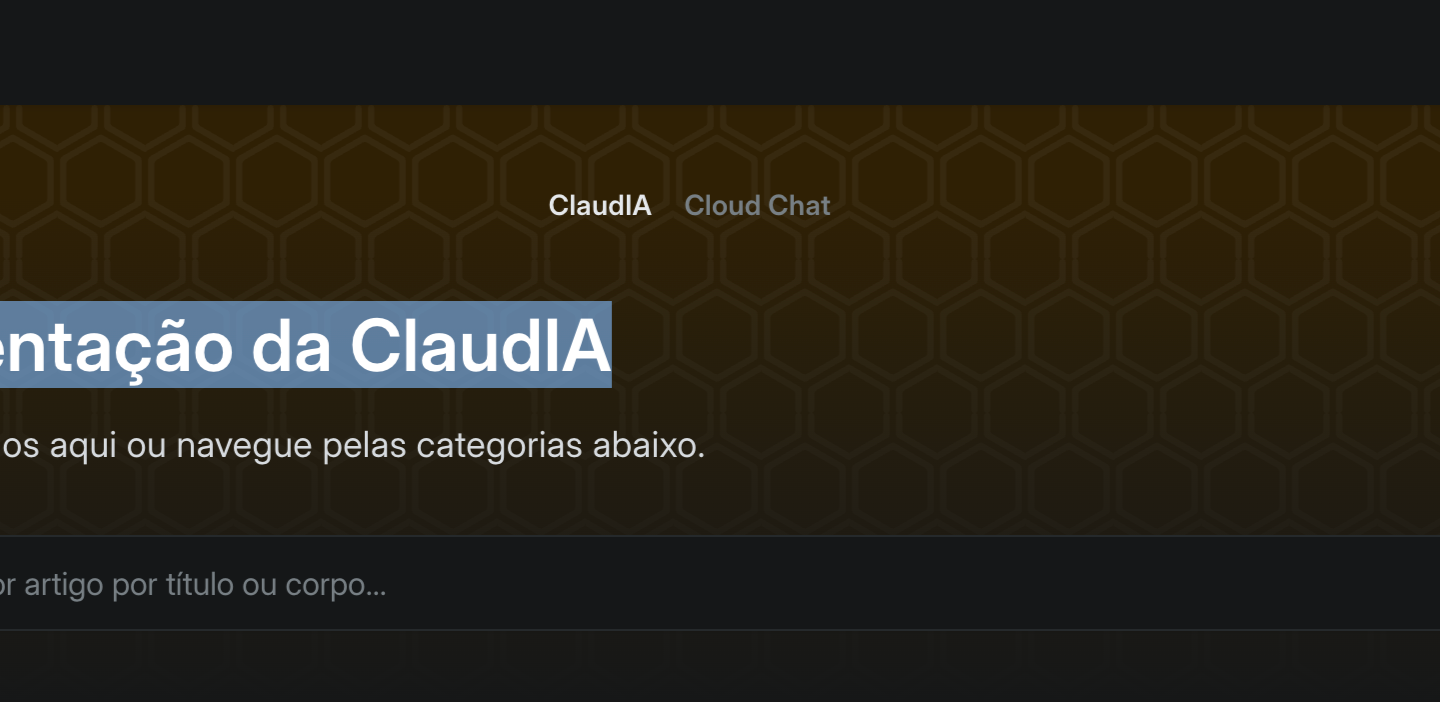
documentation for Cloud Chat.
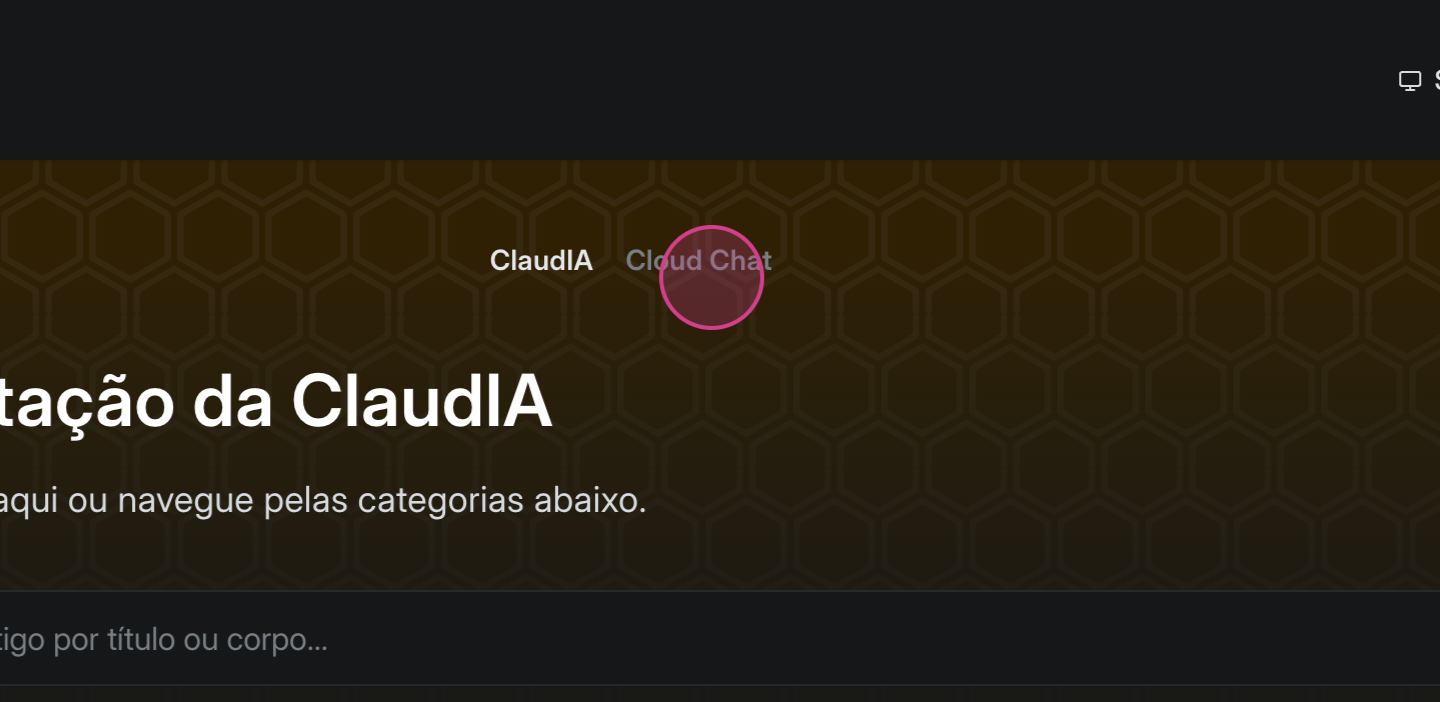
These are bases for different products, but they could also be for different clients.
This feature allows you to customize your Help Center to meet various needs.